IBO Player Pro is our No. 1 editorial pick for LG Smart TV, TiviMate is No. 2 for use through an external Android TV device, and IPTV Smarters is No. 3 where its native webOS application is available. This is an editorial selection—not an independently tested ranking—and TiviMate cannot be installed directly on LG webOS.
Choose a native webOS player if you want to use your LG television without another streaming device. Check the exact app, TV model and UK store availability before paying, because a player supported on one LG set may not be available on another.
Player activation does not include television channels. IBO Player Pro, TiviMate and IPTV Smarters describe themselves as players that require separately supplied content or playlists.
Choose IBO Player Pro first if it is available for your LG television and accepts your authorised playlist. Choose TiviMate only if you are willing to connect a compatible external Android TV device; choose Smarters if its native LG application supports your account.
| Editorial selection | Player | Installation route | Account setup | Important limitation |
|---|---|---|---|---|
| No. 1 | IBO Player Pro | Check the LG store for the exact supported application | M3U playlist management documented | Verify current model support, activation terms and app identity |
| No. 2 | TiviMate | External Android TV device connected to the LG television | Add your own supported playlist | Not a native LG webOS app |
| No. 3 | IPTV Smarters | Native LG application where available | Xtream Codes API documented | Provider server registration may be required |
The installation route matters more than the ranking. A native LG player runs on the television, while TiviMate runs on the external device and uses your LG TV as the display.
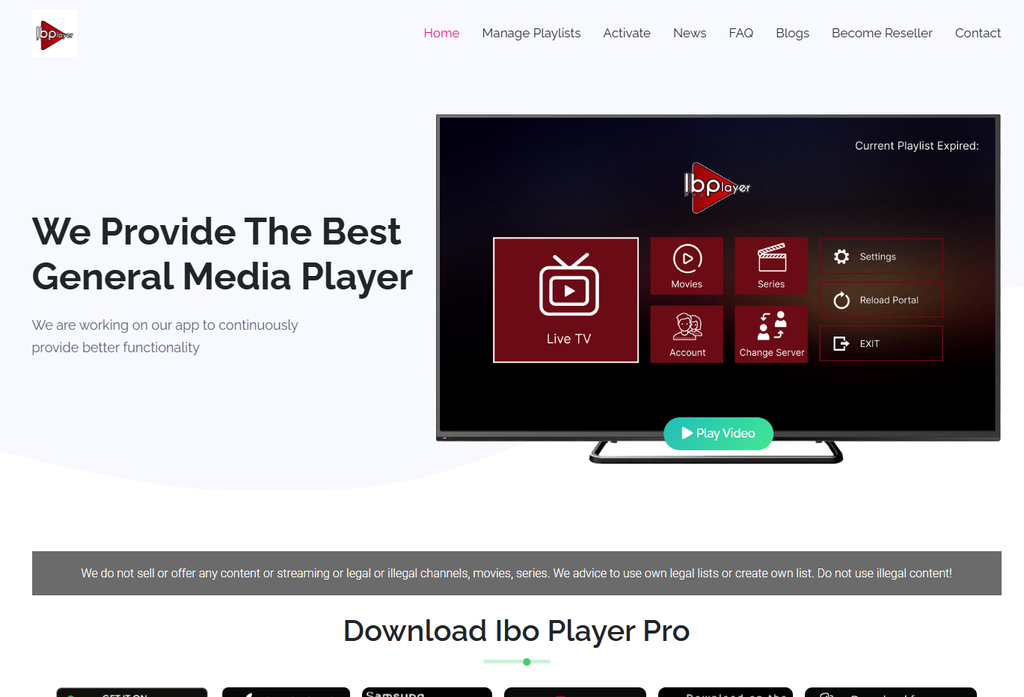
IBO Player Pro is our first editorial choice to investigate for an LG-native setup. Its developer publishes an LG installation video and documents M3U playlist management, favourites and parental controls; confirm the exact application in your television’s store before installing.
Verify the app identity before entering device details. “IBO Player,” “IBO Player Pro” and similarly named products should not be assumed to share activation systems, licences or management portals.
Use the management address associated with the application you installed. IBO Player Pro’s published portal uses a MAC address and device key to access playlist management, so copy the identifiers displayed inside the app rather than guessing them from router settings.
Check current activation terms rather than relying on an approximate price in a setup blog. This guide does not quote a verified UK licence price, trial duration or minimum webOS version for IBO Player Pro.
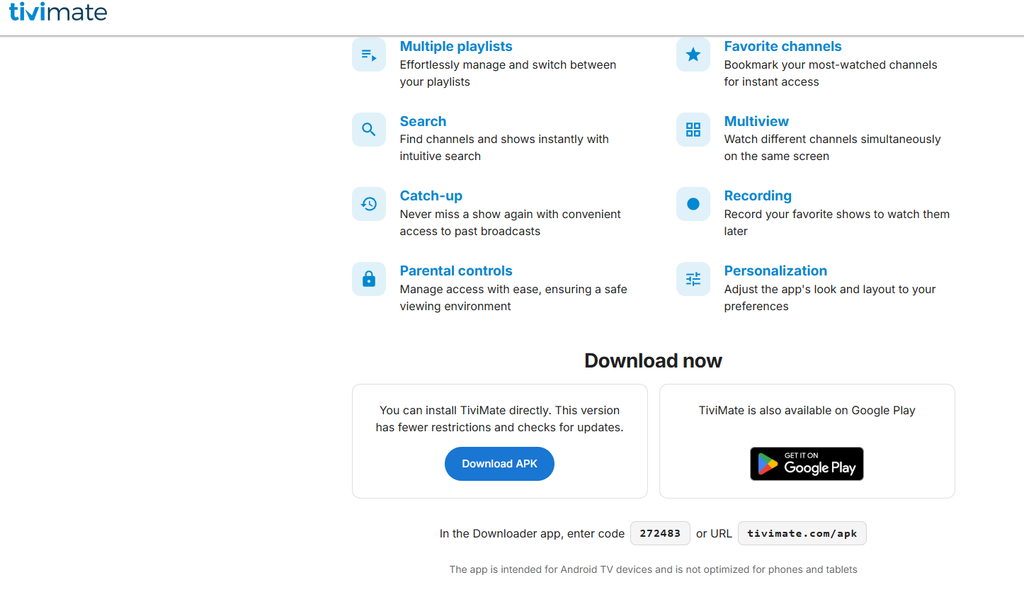
TiviMate is our second choice only for an LG television connected to a compatible Android TV device. Its developer states that the app is intended for Android TV devices, so it is not a native webOS installation option.
Consider TiviMate if you want its documented multiple-playlist, favourites, search, multiview and recording features. Confirm Premium requirements, device resources and account connection limits before relying on advanced viewing functions.
Do not search for an Android APK installation route on LG webOS. Install TiviMate on the supported external device, then select that device’s HDMI input on the television.
Read our TiviMate vs IPTV Smarters comparison for supporting player coverage.
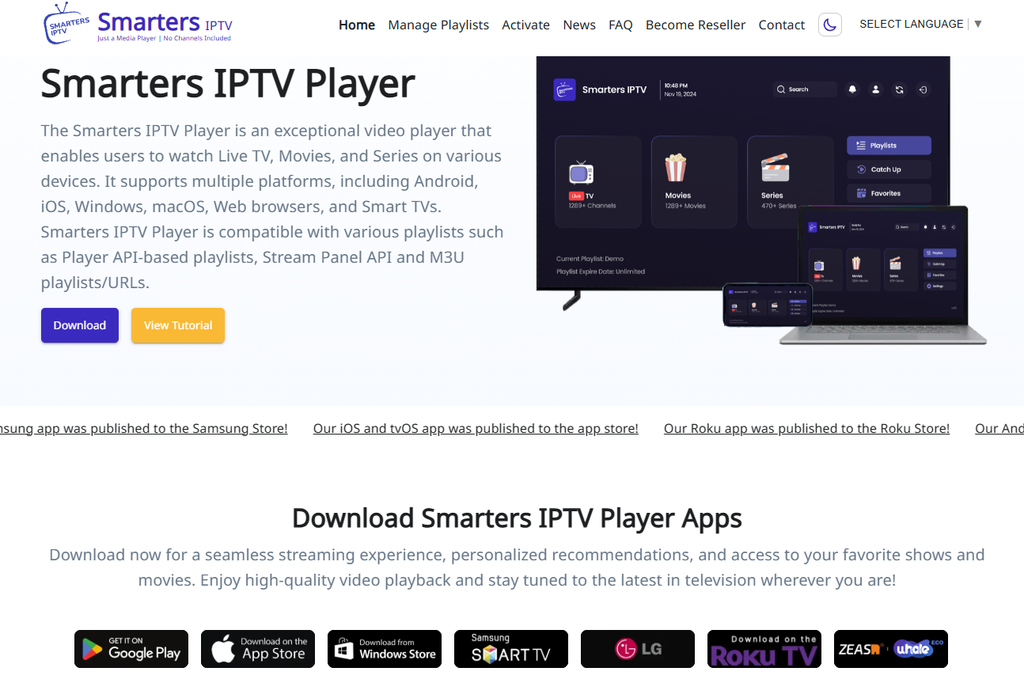
IPTV Smarters is our third choice where its native LG application is available. LG’s UK app catalogue lists “IPTVSmartersPro” from WHMCS Smarters and documents Xtream Codes API, EPG, parental controls and multiple-user support.
Check the listing for your exact television rather than relying on a general installation claim. LG lists supported model families from 2014 through 2025 but explicitly warns that availability differs by model and country. That listing does not establish support for every newer television.
Confirm provider compatibility before troubleshooting an authorisation error. The LG listing says service providers must register their server URL for the app to work with their panel, making this a relevant check even when your credentials are correct.
Start in Apps or the LG Content Store when installing a native LG player. LG’s instructions direct users to search for an application, select its listing and choose Install; menu layouts vary across webOS generations.
Search for the exact IBO Player Pro application on your television. If it is available, verify the publisher and linked management portal before entering account information.
Do not substitute an Android APK for a missing webOS application. The Android download published by IBO Player Pro is a separate platform package, not evidence that it can install directly on LG webOS.
Install the native LG Smarters application only when it appears for your model and country. Check for the WHMCS Smarters listing rather than assuming every similarly named app is the same product.
Check server registration if the app rejects an otherwise valid account. The native LG listing specifically identifies provider registration as part of its compatibility requirements.
Follow our IPTV Smarters setup guide for additional account-format explanations.
Connect a compatible external Android TV device if you want TiviMate. Install the app on that device, add your authorised playlist and select the corresponding HDMI input on the LG television.
Use our Android IPTV guide for the separate installation environment. For a Shield-specific setup, read the Nvidia Shield IPTV guide.
Check the exact operating system before following webOS instructions. An older LG model should not be assumed to use the same store, menus or supported applications as a current set.
Use the Smart TV IPTV pillar guide to compare the available platform routes. Confirm support in the television’s own store before purchasing a player licence.
Use the connection format documented by your installed player. IBO Player Pro’s website documents M3U playlist management, while LG’s native Smarters listing explicitly documents Xtream Codes API support.
Enter the complete playlist URL through the app’s documented process. If the player uses a management portal, associate the playlist with the identifiers shown by the application.
Keep playlist addresses private when they contain account credentials. Do not post them publicly or upload them to an unrelated playlist-conversion website.
Choose native Xtream login only when your app offers it. For the native LG Smarters application, the store listing confirms Xtream Codes API support and provider registration requirements.
Do not assume IBO’s M3U support proves native Xtream support in every version. Check the exact application’s current interface or documentation before choosing a login method.
Check whether “free” means installation, a limited trial or permanent use. This comparison does not identify an independently verified, permanently free webOS winner.
Confirm licence terms before activating IBO Player Pro. For TiviMate, remember that any paid upgrade unlocks player features rather than channels; for Smarters, verify the conditions of the native LG version rather than importing terms from a phone application.
Do not mistake free player software for authorised free premium content. The content source and its rights must be assessed separately from the application.
Test the features you actually need before making a longer commitment. Installation alone does not establish reliable playback or account compatibility.
| Test | What to check |
|---|---|
| Application availability | The exact player appears for your LG model and country |
| Account loading | The playlist or login is accepted |
| Live playback | Your authorised streams open correctly |
| EPG | Programme information appears and matches the channels |
| Remote navigation | Browsing and favourites are comfortable to use |
| Audio and subtitles | Required tracks work on your television |
| Standby recovery | The app reconnects after normal TV use |
| Connection policy | Playback stays within your account allowance |
Review content access only after confirming player compatibility. Explore United Kingdom IPTV and compare the current IPTV subscription UK plans for account terms, connection limits and trial availability.
Compare total costs when looking for cheap IPTV UK options. Include player activation, subscription payments and renewal conditions rather than judging only the starting price.
Review providers before committing to a longer plan. Our IPTV provider comparison provides another starting point for checking device support, account terms and service information.
Keep reseller purchasing separate from home viewing. If you are researching IPTV reseller UK packages, verify commercial resale rights and business terms before purchasing.
Ask for compatibility guidance before paying if anything remains unclear. Contact United Kingdom IPTV with your LG model, webOS version and exact player name.
Identify the failure before reinstalling the player. A missing app, rejected account, empty guide and unplayable channel require different checks.
Check model and regional availability first. LG warns that apps and services can be tied to the country where the television was sold, while individual app listings can impose further compatibility limits.
Avoid promising that changing the country setting will make every app available. Confirm legitimate support for the model and region, or use an appropriate external device.
Check credentials and provider registration separately. LG’s Smarters listing states that the provider must register its server URL, so an authorisation error does not automatically mean the television is faulty.
Ask the provider whether its server supports the native LG application. Include the exact error, application name, TV model and webOS version in the request.
Check account status and the selected login method first. Compare the server address, username, password or full playlist URL against the details supplied with your authorised account.
Avoid purchasing another activation to solve an unverified account problem. Establish whether the player accepts the account and whether the content provider confirms working access.
Check EPG configuration separately from channel playback. A visible catalogue does not establish that programme information was supplied, loaded or matched correctly.
Use the player’s documented refresh process and ask for the correct EPG details where required. Do not add a random guide address merely to populate the screen.
Compare multiple streams and viewing times before blaming webOS. Record whether the failure affects the entire account, one channel or one on-demand item.
Check the home connection and account concurrency before changing players. Close other active streams when your subscription permits only one connection.
Follow LG’s model-specific support instructions before attempting a reset. Your keyword export includes memory-related searches, but those queries alone do not establish one universal fix.
Record the exact message and whether it occurs when opening the app, loading a large playlist or starting playback. Preserve account details before uninstalling an application or resetting the television.
IBO Player Pro is our No. 1 editorial choice, TiviMate is No. 2 through an external Android TV device, and IPTV Smarters is No. 3 where its native LG app is supported. The ranking is not an independently tested performance result.
Not directly. TiviMate’s developer identifies it as an Android TV application, so use a compatible external device connected to the LG television.
Yes, LG’s UK catalogue lists a native IPTVSmartersPro application from WHMCS Smarters. Availability still depends on the TV model and country, and provider server registration may be required.
No. Its developer states that it does not sell or supply channels, films, series or other streaming content.
The native LG Smarters listing explicitly confirms Xtream Codes API support. Verify the exact version and provider compatibility before relying on it.
This comparison does not establish a verified permanently free winner. Check the exact app’s trial, activation and feature terms, and keep content charges separate from player costs.
Confirm the application, TV compatibility, account loading, playback and the features you need. Review licence terms and content authorisation before choosing a longer subscription.