
To test IPTV before buying, use your normal television and internet connection, check your must-have channels, watch during your usual viewing hours and record any problems. Decide whether to subscribe from those results—not from an advertised channel count or a few seconds of successful playback.
Our 24-hour IPTV trial gives you an opportunity to evaluate the service before choosing a plan. The published offer includes one active connection and requires no payment details.
Set Your Pass Criteria Before Testing
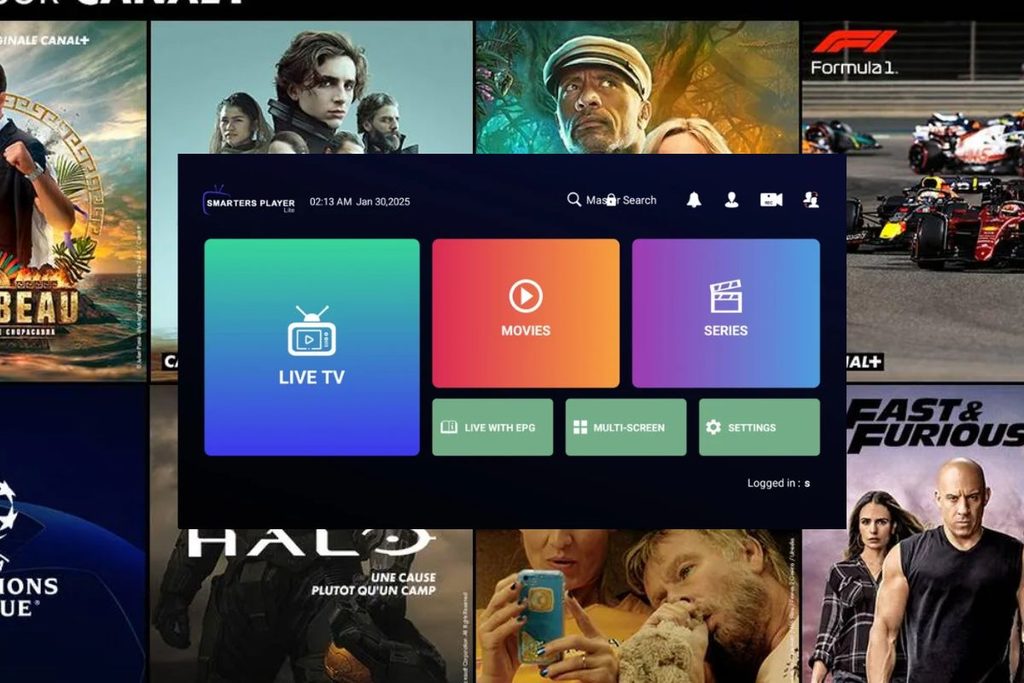
Start by writing down what the service must do for your household. Without a clear shortlist, it is easy to spend the trial browsing unfamiliar channels instead of checking the things that matter.
Choose a small, representative sample:
- Your essential live channels.
- A news or discussion programme.
- Fast-moving content, if you regularly watch it.
- A film or series, if on-demand viewing matters.
- A programme requiring your preferred audio language or subtitles.
For each item, define what would make the result acceptable. Examples include understandable audio, comfortable remote navigation and programme information that matches what is playing.
Separate essentials from extras
Use three categories:
| Category | Meaning | Example |
|---|---|---|
| Must have | You would not subscribe without it | A channel your household watches regularly |
| Important | A weakness would affect your decision | Accurate programme information |
| Optional | Useful, but not essential | An additional navigation feature |
A large catalogue should not compensate for a missing essential. Your test should answer whether the offer suits your viewing—not whether it contains the most entries.
Prepare One Representative Setup
Use the television, player and connection you expect to keep using. A successful test on another device is useful evidence, but it does not establish the experience on your main screen.
Before activating the trial:
- Identify your viewing device and installed player.
- Make sure you can enter the supplied account details.
- Prepare your channel shortlist.
- Choose a period when you can actually watch.
- Note the trial’s start and expiry conditions.
- Check the permitted number of simultaneous streams.
For installation help, use our Smart TV IPTV guide or IPTV Smarters setup guide. This checklist starts with evaluation rather than repeating those setup instructions.
Keep the test consistent
Use one main setup for your initial assessment. If you change the player, device and connection together, you will not know which change affected the result.
When a comparison becomes necessary, change one factor at a time and record it.
Our published trial and plans allow one active connection. Stop playback on the first device before testing another rather than assuming simultaneous use is included.
Check Your Required Channels First
Search for every channel on your essential list. Do not assume that a familiar channel name guarantees the exact feed, language or programme you want.
For each channel, record:
- Whether you can find it.
- Whether it opens.
- Whether the feed matches your expectation.
- Whether the audio is correct.
- Whether it remains usable during a representative viewing session.
Watch beyond the opening seconds
Opening a stream confirms only that it started. Continue watching long enough to judge the experience during a normal programme segment.
Look for repeated interruptions, audio changes or picture problems. Record what happened and when rather than using a vague label such as “bad quality.”
Do not interpret a successful trial as proof of content authorisation. Technical access and distribution rights require separate checks.
Watch During Your Normal Viewing Hours
Schedule part of the trial around the time you normally watch television. If your household mainly watches in the evening, an early-morning check alone does not represent that routine.
Test more than one item from your shortlist. This helps you distinguish an isolated stream problem from a broader failure during the session.
Record interruptions accurately
If playback stops, note:
- The channel or programme.
- The time.
- Whether the picture, audio or both were affected.
- Whether playback recovered by itself.
- Whether another channel worked immediately afterwards.
You are collecting evidence here, not diagnosing the cause. Keep detailed buffering repairs for a separate troubleshooting guide so this article remains a testing checklist.
Revisit an important failure
Repeat a failed essential test once during the available trial period. Record whether the problem happened again.
A repeatable failure deserves more attention than a single event, but neither establishes the cause on its own. Ask for clarification before committing to a longer subscription.
Test Channel Switching and Navigation
Playback is only part of the experience. You also need to find programmes and operate the service comfortably.
Try the actions you expect to use every day:
- Open the channel list.
- Find a required channel.
- Switch between two familiar channels.
- Return to the previous menu.
- Search for a programme or category.
- Create or use favourites, if supported.
Judge usability on your actual remote
Check whether text is readable from your normal seat and whether the controls feel manageable.
A player can successfully open streams while still being unsuitable for your household. Record usability separately from content availability so you know what needs changing.
Verify Programme Information, Audio and Subtitles
Check supporting features on the channels and programmes where you need them. Do not mark the whole service as satisfactory just because the picture appears.
Programme-guide accuracy
Where guide information is available, compare:
- The listed programme with what is playing.
- The displayed time with your local schedule.
- Current and upcoming entries.
- The guide on several essential channels.
Our published offer describes EPG support as available where supported, not as a guarantee for every channel.
If a required guide is missing or incorrect, record it as an unresolved result. This checklist does not replace an EPG configuration guide.
Audio and language
Listen for intelligible speech and check whether the available audio meets your requirements.
If you need a particular language, test it on the actual content you expect to watch. Availability on one programme does not establish availability everywhere.
Subtitles
Where subtitles are offered, check:
- Whether you can select them.
- Whether the language is correct.
- Whether they are readable.
- Whether they appear reasonably aligned with the dialogue.
Mark unsupported or unavailable features honestly rather than assuming they will appear after payment.
Check On-Demand Viewing Separately
If films or series are part of your decision, test them independently from live television.
Choose a relevant title and check whether you can:
- Find it through search or browsing.
- Start playback.
- Pause and continue.
- Seek to another point.
- Select the audio or subtitles you need.
- Resume later, if the player supports it.
Confirm the item, not just the listing
A catalogue entry is not the same as a successful playback result. Check that the title, episode and language match your expectations.
Keep unavailable features separate from broken features. If resume viewing is not offered, that is a product limitation—not necessarily a technical failure.
Keep a Simple IPTV Test Log
A written record makes the final decision easier and gives support a more useful description of any failure.
| Test item | Result | Evidence or note | Decision impact |
|---|---|---|---|
| Essential channel 1 | Pass / Fail / Unclear | What you observed | Essential |
| Essential channel 2 | Pass / Fail / Unclear | What you observed | Essential |
| Sustained playback | Pass / Fail / Unclear | Interruptions and times | Essential |
| Remote navigation | Pass / Fail / Unclear | Actions that were difficult | Important |
| Programme guide | Pass / Fail / Unclear | Incorrect or missing entries | Important |
| Required audio | Pass / Fail / Unclear | Track and language checked | Essential or important |
| Required subtitles | Pass / Fail / Unclear | Programme and language checked | Essential or important |
| On-demand playback | Pass / Fail / Unclear | Title, seeking and playback | Depends on your needs |
Use “unclear” when necessary
Do not force every result into pass or fail. You may lack enough time to test a feature, or a problem may require clarification.
An unresolved essential should remain unresolved until you have evidence. It should not become a pass simply because the trial is ending.
Decide Whether the Service Meets Your Needs
Review the essentials before considering price or subscription length.
Use this decision order:
- Are your required channels and programmes available?
- Did they work on your intended setup?
- Were the controls comfortable?
- Did required audio, subtitles and guide information meet your needs?
- Are important failures explained or resolved?
- Have you checked content authorisation and purchase terms?
The goal is not to find a flawless result in every optional category. It is to determine whether the offer meets the requirements you defined before testing.
What makes a provider trustworthy?
A trial cannot establish that a provider is the “most trusted.” Treat trust as a separate assessment.
Review the operator’s identity, purchase terms, support route, privacy information and explanation of content authorisation. Do not substitute successful playback for those checks.
Our IPTV provider comparison provides a related starting point for evaluating service offers.
Compare the total cost
Check subscription charges separately from any player payment.
Our published plans currently list £9.99 for one month, £37 for six months and £55 for twelve months. They are prepaid, include one active connection and do not automatically renew.
Review the current IPTV subscription plans before paying. A longer plan’s lower monthly equivalent should not outweigh an unresolved essential failure.
IPTV Testing FAQ
How long should I watch during a trial?
Use enough of the available period to complete representative viewing sessions and revisit important failures. There is no duration in this checklist that guarantees future reliability.
Spend your time on essential channels and normal viewing conditions rather than browsing the entire catalogue.
Does one buffering event mean I should reject the service?
Not automatically. Record the event, test another item and repeat the affected check where possible.
The event is evidence of a problem during that session—not proof of its cause. Repeated or unresolved failures on essential content should influence your purchase decision.
Does a successful trial prove the service is legitimate?
No. A trial evaluates technical access and usability. Content authorisation, privacy and purchase terms require separate checks.
Should I test on several devices?
Start with your main viewing device. Use a second device only when it answers a specific comparison question, and respect the account’s connection allowance.
Our published offer includes one active connection at a time.
What should I do if an essential test remains unclear?
Ask for clarification and avoid treating the unknown result as a pass. Do not buy a longer plan solely because a discount is about to expire.
How do I start testing?
Prepare your device and shortlist, then review the 24-hour IPTV trial conditions.
Keep the evidence from your test: what worked, what failed and what remains uncertain. That record is more useful than a headline channel count when deciding whether to subscribe.