
Watching Arabic television in the UK no longer means installing a satellite dish and arranging an engineer visit. Internet-based TV services can bring Arabic channels to a Fire TV Stick, Smart TV, Android box, phone or tablet.
What you actually receive depends on the service, the channels you want and whether the provider has the necessary distribution rights. This guide explains what Arabic IPTV can offer in the UK, which channels are commonly requested, how to set everything up, and what to check before paying for a subscription.
What Is Arabic IPTV?
Arabic IPTV delivers television channels over an internet connection rather than through a traditional satellite signal. Depending on the service, you may receive an M3U playlist or an Xtream Codes login containing a server address, username and password.
The main advantage is flexibility. You can watch on several types of devices without installing a satellite dish. The trade-off is that streaming quality depends on both your internet connection and the reliability of the service providing the streams.
Arabic IPTV vs a Satellite Dish
| Feature | Arabic IPTV | Satellite TV |
|---|---|---|
| Installation | Usually app-based | Dish, receiver and installation may be required |
| Monthly cost | Varies by provider and package | Varies by package, equipment and provider |
| Contract | Often available monthly | Depends on the provider |
| Channel selection | Depends entirely on the service | Depends on the satellite and package |
| Picture quality | Depends on the stream and connection | Usually consistent when reception is good |
| Reliability | Depends on the provider’s servers and your connection | Generally stable, but weather and reception can affect it |
| Portability | Can be used on compatible devices in different locations | Normally tied to the satellite installation |
| EPG | Available when the provider supplies compatible guide data | Commonly included with supported receivers and services |
| Catch-up and VOD | Depends on the service | Depends on the package or receiver |
Which Arabic Channels Can You Watch?
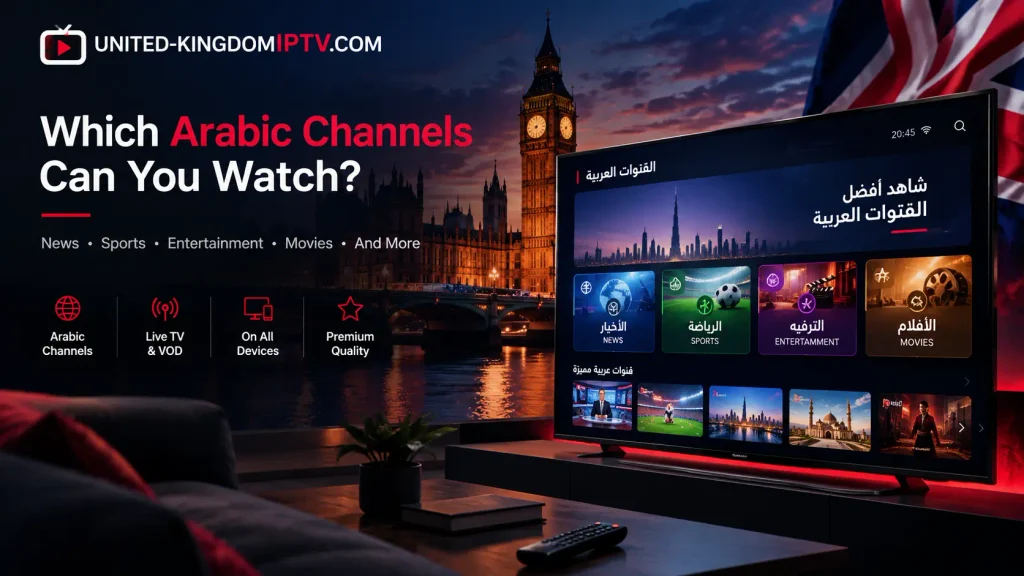
Channel lists vary significantly between IPTV services. A package advertising thousands of channels may contain duplicate feeds, regional variants or streams that are not always available.
Instead of focusing only on the headline channel count, check whether the service actually carries the channels you intend to watch and whether those streams remain stable during busy viewing periods.
News
- Al Jazeera Arabic
- Al Arabiya
- Sky News Arabia
- Other Arabic-language news channels, depending on the package
One useful point for UK viewers is that Al Jazeera Arabic is available on Freeview channel 252, so you do not necessarily need an IPTV subscription simply to watch that channel. Al Jazeera also provides an online live stream.
Entertainment
- MBC 1
- MBC 2
- MBC 4
- MBC Drama
- MBC Masr
- Rotana Cinema
- Rotana Khalijiya
- Rotana Music
Sports
Arabic sports coverage is more complicated because channel availability and broadcasting rights depend on the territory and competition.
Some third-party IPTV services advertise beIN SPORTS and SSC channels, but the fact that a channel appears in a playlist does not mean that the service is authorised to redistribute it in the UK. For premium sports, checking the official rights holder is the safer approach.
Kids
- MBC 3
- Spacetoon
- Jeem TV
- Other Arabic children’s channels depending on the package
Religious and Cultural Channels
- Iqraa
- Al Majd
- Huda TV
- Other Arabic religious and cultural channels depending on availability
Popular Arabic Channels for UK Viewers
| Channel | Category | Typical Content |
|---|---|---|
| Al Jazeera Arabic | News | International news, Arab world coverage and current affairs |
| Al Arabiya | News | News, business and Middle East current affairs |
| Sky News Arabia | News | Breaking news, politics, business and regional coverage |
| MBC 1 | Entertainment | Drama, talk shows, entertainment and general programming |
| MBC Drama | Entertainment | Arabic drama and dubbed series |
| MBC 4 | Entertainment | International and Arabic entertainment programming |
| MBC Masr | Entertainment | Egyptian entertainment and television programmes |
| Rotana Cinema | Movies | Arabic films and movie programming |
| Rotana Khalijiya | Entertainment | Gulf-oriented music, entertainment and variety programming |
| beIN SPORTS | Sports | Premium football and other international sports, subject to regional rights |
| SSC | Sports | Saudi football and other regional sports content |
| MBC 3 | Kids | Children’s programmes and cartoons |
| Spacetoon | Kids | Arabic-dubbed cartoons and children’s entertainment |
| Iqraa | Religious | Quran recitation, religious education and Islamic programmes |
| Huda TV | Religious | Islamic programming in Arabic and English |
News: Al Jazeera Arabic, Al Arabiya and Sky News Arabia
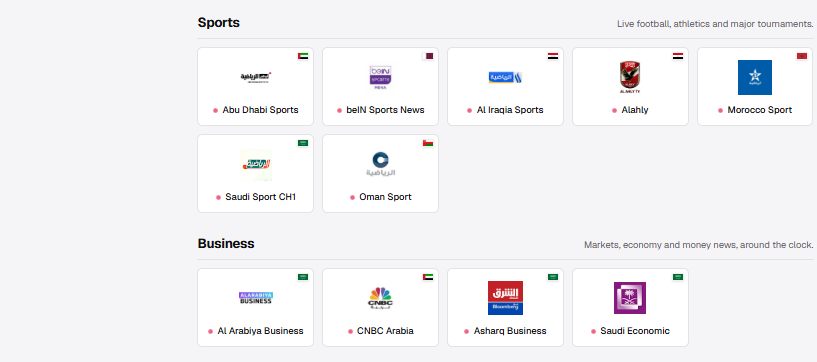
News is one of the easier categories to access because several broadcasters provide their own online platforms, while some channels are also distributed through UK television services.
Al Jazeera Arabic is available on Freeview channel 252 in the UK, and Al Jazeera also provides a live stream through its website. This makes it a useful example of a channel that does not require a separate IPTV subscription for UK viewers.
Sky News Arabia is another established Arabic news channel with distribution in the UK and online viewing options. Al Arabiya is also widely used by Arabic-speaking viewers looking for Gulf and Middle Eastern news coverage.
Entertainment: MBC, Rotana and Shahid
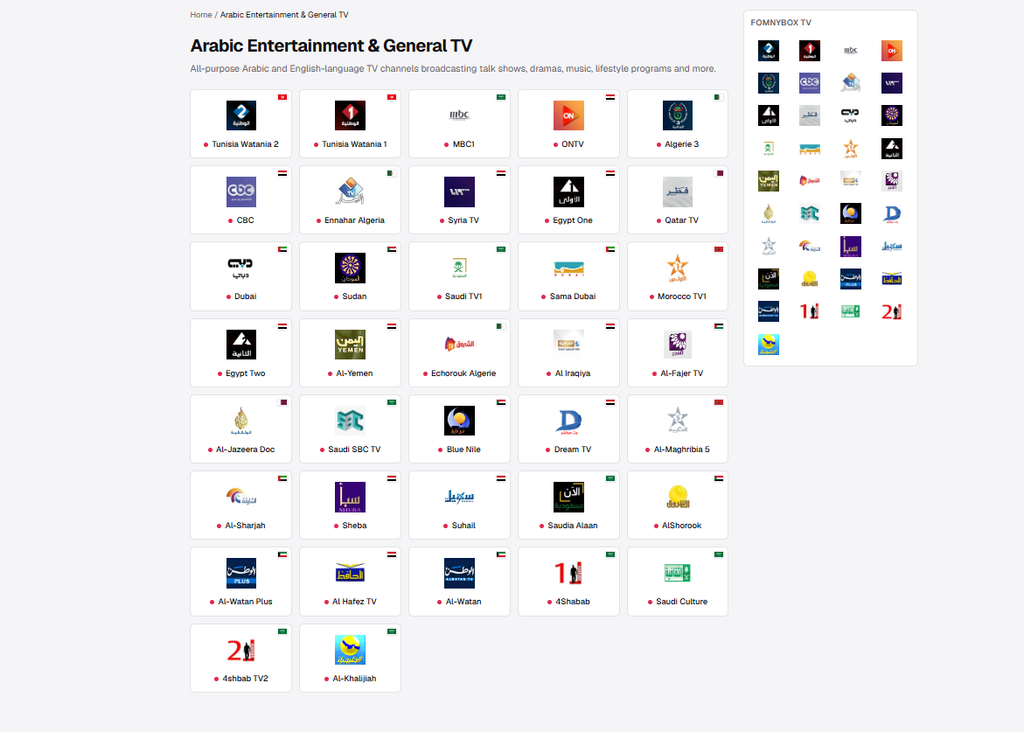
MBC channels are among the most requested Arabic entertainment channels, particularly for drama, talk shows and family programming.
There is also an important distinction between live television and on-demand content. MBC’s official Shahid platform provides live channels alongside series, films and exclusive productions. That can make it a better option when the main goal is watching MBC content on demand rather than simply following live television.
For viewers who mainly want Arabic films and music, Rotana channels are also commonly requested. However, availability can differ from one package to another, so it is worth checking the exact channel list before subscribing.
Sports: Why Arabic IPTV Is More Complicated
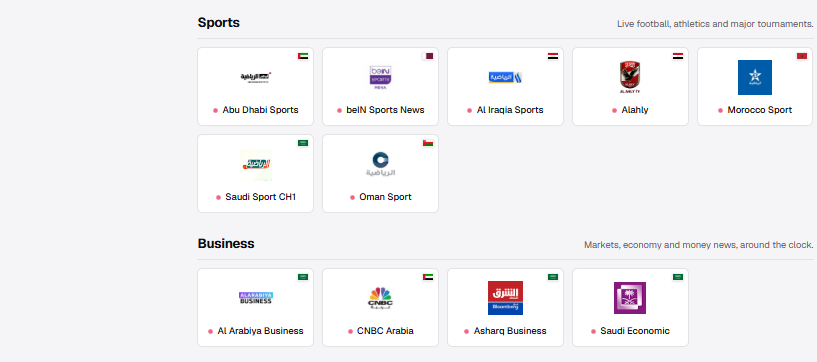
Sports is where IPTV channel lists become much less straightforward.
Premium competitions are protected by territorial broadcasting agreements. A service showing a premium sports channel in an IPTV playlist does not automatically mean that the stream is authorised for viewers in the UK.
For major football competitions, the most reliable approach is to use the official broadcaster or an authorised service available for your territory. Official beIN services, for example, provide live sports streaming and channel packages through their own platforms in supported markets.
When testing a third-party service, sports channels should also be treated as a reliability test. A stream that works in the afternoon may struggle when a major match attracts a large audience.
Kids’ Channels: MBC 3 and Spacetoon
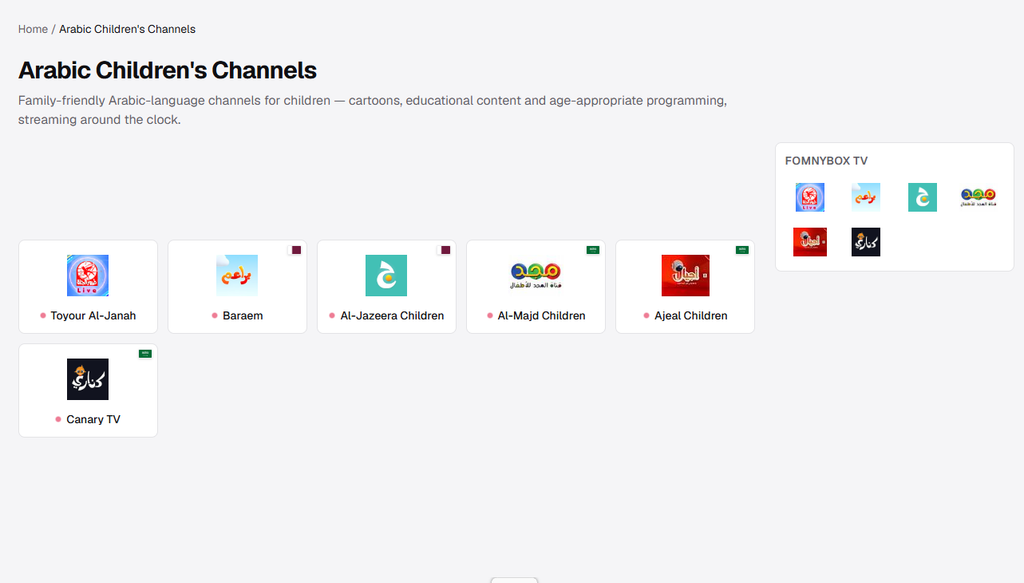
Families often look for MBC 3 and Spacetoon when comparing Arabic TV packages. Both are familiar names for children’s programming, but they are not guaranteed to appear in every IPTV package.
Check the actual channel list before subscribing, especially when a particular children’s channel is important to your household.
Religious Channels: Iqraa, Al Majd and Huda TV
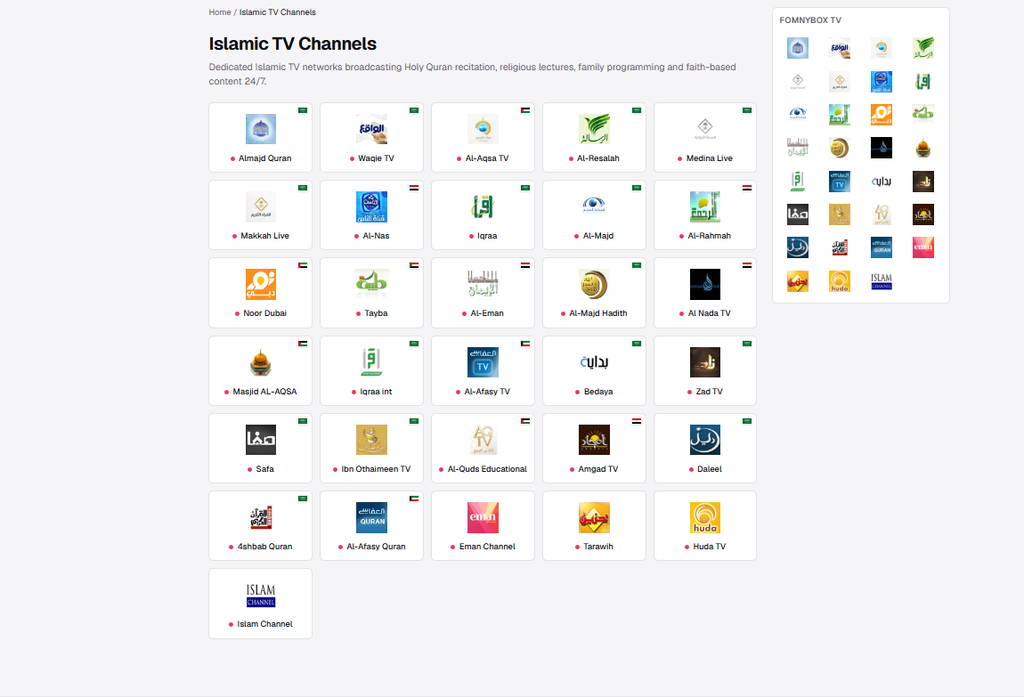
Religious programming is another area where channel availability varies between providers. Iqraa, Al Majd and Huda TV are examples of channels that Arabic-speaking households may specifically look for.
Because these channels generally do not depend on the same premium sports rights as major football broadcasters, they can be useful channels for checking whether a provider’s Arabic section is actually working as advertised.
What to Look For in an Arabic IPTV Service in the UK
Channel Count Is Not the Most Important Number
A provider advertising thousands of Arabic channels may sound impressive, but the headline number tells you very little about the actual quality of the service.
A smaller list with the channels you actually watch is usually more useful than a huge list filled with duplicates, inactive feeds or channels from regions you never watch.
Before paying, check whether your priority channels are available and whether the provider offers a trial or another way to test the service.
Test During Peak Hours
Testing only during quiet daytime hours does not always give you the full picture. Try the channels you care about between roughly 7pm and 10pm UK time, when more people are likely to be streaming.
Test several categories rather than just one channel: news, entertainment, sports and children’s programming. This gives you a better idea of how the service performs under different conditions.
Check Your Broadband Connection
IPTV is simply video streaming over the internet, so a stable broadband connection is important. HD streams generally need considerably less bandwidth than 4K video, and multiple simultaneous streams increase the total demand.
A practical starting point is around 10 Mbps for a single HD stream, with substantially more available bandwidth recommended for 4K or several devices streaming at the same time.
If other streaming services such as YouTube or Netflix work normally but one IPTV service constantly buffers, the problem may be with the IPTV server rather than your broadband connection.
EPG Support Matters
EPG stands for Electronic Programme Guide. It displays programme names, schedules and other information in a TV-guide format.
EPG quality depends on the data supplied by the service. Some providers have good guide information for major UK channels but incomplete information for Arabic channels.
Apps such as TiviMate and IPTV Smarters can display EPG data, but the application cannot create missing programme information when the provider does not supply a usable EPG source.
Check Multi-Device Rules
One of the most important questions is how many simultaneous streams are included.
- One connection is usually enough for a single viewer.
- Two or three simultaneous connections can be more practical for a family.
- Check whether the limit applies to simultaneous streams or registered devices.
- Ask whether additional connections require a separate payment.
Use a Trial When One Is Available
A trial can be useful because channel lists and screenshots do not tell you how a service will perform in real-world use.
During a trial, test the exact channels you care about and repeat the test during evening hours. There is no guarantee that a service offering a trial will be reliable long term, but testing before committing reduces the risk of paying for a package that does not meet your needs.
How to Watch Arabic IPTV in the UK
The basic setup normally requires three things:
- Your subscription details, such as an M3U URL or Xtream Codes login.
- A compatible IPTV application.
- A supported device such as a Fire TV Stick, Smart TV, Android TV box, phone or tablet.
How to Set Up Arabic IPTV on a Fire TV Stick
For a detailed Fire TV walkthrough, see our guide to IPTV on Firestick in the UK.
- Enable installation from unknown sources. Open Settings → My Fire TV → Developer Options → Apps from Unknown Sources. On some Fire TV versions, Developer Options may first need to be enabled from the About section by selecting the device name several times.
- Install Downloader. Downloader is available through the Amazon Appstore and can be used to access installation files.
- Install a compatible IPTV application. TiviMate and IPTV Smarters are examples of IPTV players commonly used with compatible Android-based devices.
- Add your subscription. Depending on the service, you may be given an M3U URL or Xtream Codes credentials.
Always download applications from an official store or the developer’s legitimate source where possible. Avoid random APK websites that are difficult to verify.
How to Watch Arabic IPTV on a Smart TV
The installation method depends on the operating system of your television.
- Samsung and LG: compatible IPTV applications may be available through the television’s app store.
- Android TV and Google TV: compatible applications can generally be installed through Google Play.
- Older Smart TVs: a Fire TV Stick or Android TV device may provide a simpler solution when the television has limited application support.
For a broader walkthrough, see our guide to IPTV on Smart TV.
Android TV Box and MAG Box Setup
Android TV Box
Android TV boxes can run compatible IPTV applications directly. Once the application is installed, enter the subscription details supplied by your provider and allow the channel list to load.
MAG Box
A MAG box uses a different setup process. Instead of an M3U playlist, your provider may give you a portal URL. That address is entered into the portal settings on the device.
The exact menu names can vary by MAG model and firmware, so follow the configuration details provided by your service rather than copying settings from a different device.
Watching Arabic IPTV on a Phone or Tablet
Mobile devices can be useful for testing a service before setting it up on a television.
On Android, compatible IPTV players are available through Google Play. On iPhone and iPad, use an application available through the Apple App Store that supports the playlist or login format supplied by your provider.
Remember that using the same account on multiple devices may be restricted by the provider’s connection limit.
Is Arabic IPTV Legal in the UK?
IPTV itself is a technology, not a statement about whether a particular service is legal. The important question is whether the provider has the necessary rights to distribute the channels and content it offers.
There are legitimate ways to watch Arabic television online, including official broadcaster websites and licensed streaming platforms. For example, Shahid provides live TV alongside on-demand Arabic programming, while official sports platforms provide licensed access to supported competitions.
By contrast, a third-party service redistributing premium channels without the necessary rights raises copyright and licensing concerns. Do not assume that a cheap subscription is legitimate simply because it works technically.
For a more detailed explanation, read our guide: Is IPTV Legal in the UK?
Frequently Asked Questions
Can I watch Al Jazeera Arabic in the UK without IPTV?
Yes. Al Jazeera Arabic is available on Freeview channel 252 in the UK, and Al Jazeera also provides an online live stream. This means you do not need an IPTV subscription specifically to access Al Jazeera Arabic.
Can I watch beIN SPORTS in Arabic in the UK?
Availability depends on the specific beIN service, territory and rights associated with the competition. Official beIN platforms provide legitimate sports streaming in supported markets. Third-party IPTV listings should not be treated as proof that a channel is officially licensed for UK distribution.
Do Arabic IPTV services work with BT, Sky and Virgin Media?
IPTV uses a normal internet connection, so there is no special broadband technology required simply because the channels are Arabic. BT, Sky and Virgin Media customers can use compatible streaming applications and devices.
When buffering occurs, check your connection, device and the specific stream before assuming that the ISP is the cause.
What is the difference between an Arabic IPTV subscription and an IPTV box?
The subscription is the service that provides the channel access details. The box is simply the hardware used to display that content on your television.
The same type of subscription may be usable on a Fire TV Stick, Android TV device, Smart TV, phone or tablet, subject to the provider’s rules.
For more information about choosing a subscription, see our IPTV subscription guide for the UK.
How many devices can I use with one Arabic IPTV subscription?
That depends on the package. Some subscriptions allow one simultaneous stream, while others offer two or more. The important distinction is between the number of registered devices and the number of streams that can play at the same time.
Always check this detail before purchasing, especially if several people in your home want to watch different channels simultaneously.
Is there a free trial for Arabic IPTV in the UK?
Some providers offer trials, while others do not. When a trial is available, use it to test the channels that matter most to you rather than judging the service by its total channel count.
Test during the evening as well as during the daytime. A service that performs well when traffic is low may behave differently during peak viewing hours.
Final Takeaway
Arabic IPTV can be a convenient way to watch Arabic television in the UK, particularly when you want to use modern devices rather than install a satellite system.
The important part is not finding the provider with the biggest channel number. Check the channels you actually watch, test performance during peak hours, confirm device and connection limits, and understand whether the service has the rights to distribute the content it offers.
For UK viewers who want a broader introduction to IPTV, you can also explore our guide to IPTV services in the UK.
Explore More IPTV Channels in the UK
Arabic television is only one part of a wider IPTV line-up. Explore the main UK channel guide to discover British TV, live sports, international channels, movies and other viewing categories in one place.
Channel availability can change depending on provider, territory, broadcasting rights and current line-up.